
Access the Org Management Page
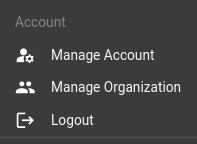
From the main user-menu (top-right), click Management Organization
A list of users in the organization is presented.
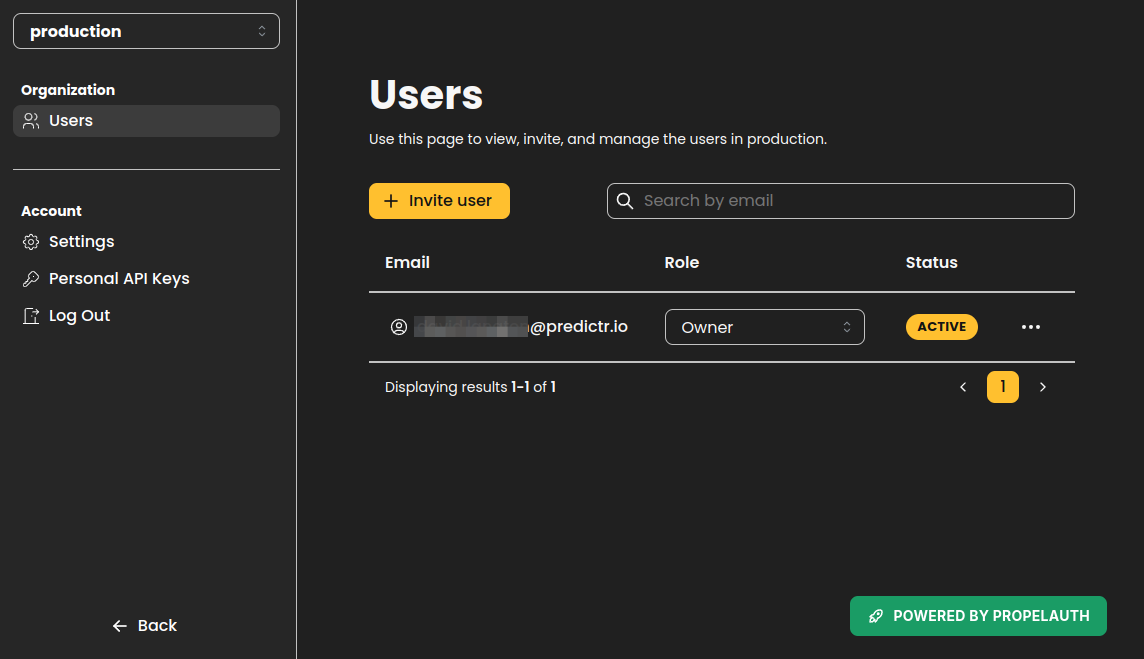
If you are a member of more than one organisation, you may switch the org you are managing in the top-left drop-down menu (in this screenshot, the selected org is “production”)
Invite User
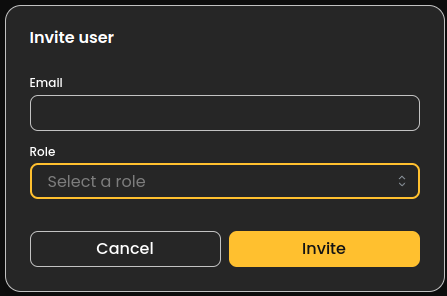
Clicking “Invite User” requires an email address and a role.
- Depending on the organisation setup, you may only be allowed to invite users from a particular email domain.
Roles
| Role Name | Permissions |
|---|---|
| Owner | Full control over the org, including the ability to delete it completely |
| Admin | Full control over the org, without the ability to delete it |
| Member | May create and use the resources in the org (create connections and analysis) but not manage its other users. |
Edit User
Owner and Admin roles may change the Role on other members of the organization, or remove them from the organization. Remved users still have an account with predictr.io, but no longer have access to the resources in the organization being edited.