
User Management
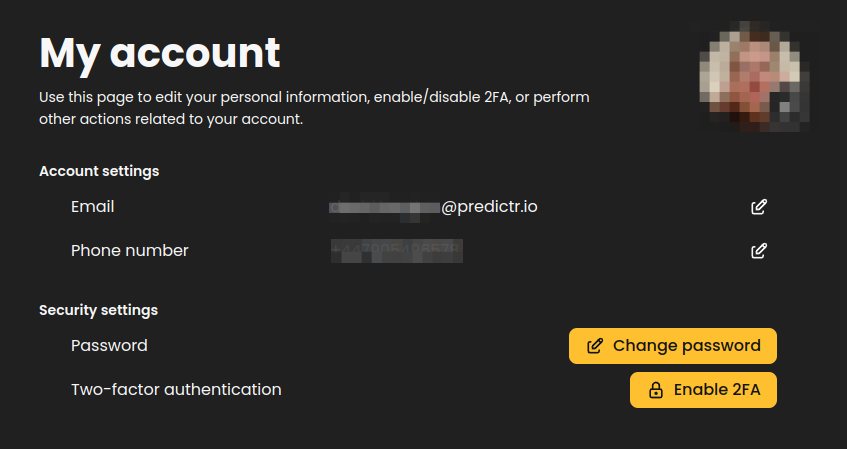
After being provided with a URL to login to the system, you will be directed to the application. Located at the top-right of the user interface is a drop-down menu with an option for "Manage Account".
This is to manage your own account. If you are looking to add or manage other accounts, see Organizations and User Management .
Within this section, you can modify your phone number, email address or other details, configure two-factor authentication, or update your password.
API Keys
If you need to setup API keys in order to use the API to automate tasks, you can create time-limited API keys associated with your user. See API Keys .
Organization Management
Managing an existing organization is covered here.