Short-lived JWT tokens for Testing
To author and test API calls against the API, you may copy a short-lived token to your clipboard from the user-menu in the top-right of the user interface. This copies a JWT token to your clipboard that should be valid for up to 30 minutes.
The token should be preceded by “Bearer “ and included in the Authorization header for any request.
API keys for integrations
For more permanent integrations with other tools, you can generate an API key associated with a user-account from within the Manage Account screen accessed from the user menu. Then click the “API Keys” section on the left hand menu.
The key should be included in the x-api-key header for any request
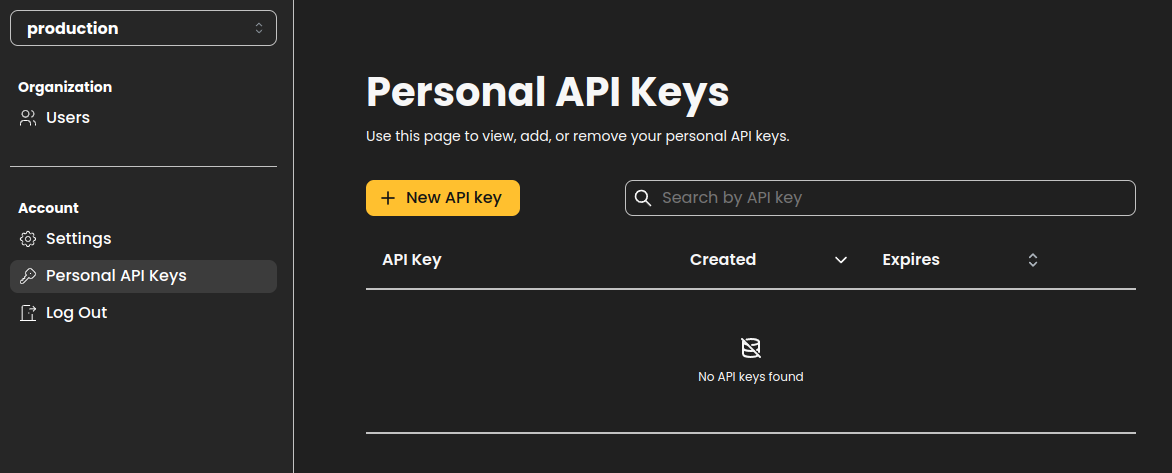
Create a new API key using the Add button, and set the eventual expiry.
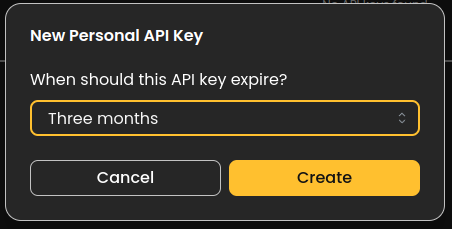
We don’t recommend setting expiry to “Never” - instead rotate your API keys from time to time. You may create and begin using a new API key before you remove the old one.
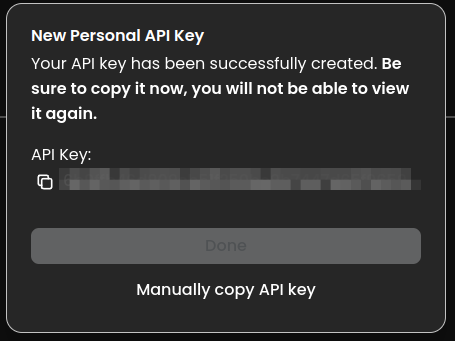
The key can then be copied to the clipboard or manually copy/pasted.